Route Planner With Unlimited Stops: How US Fleets Turn a Full Day's Orders Into Routes Drivers Can Finish
Drafted with AI assistance, edited and fact-checked by Sean Flannery. See our editorial policy.
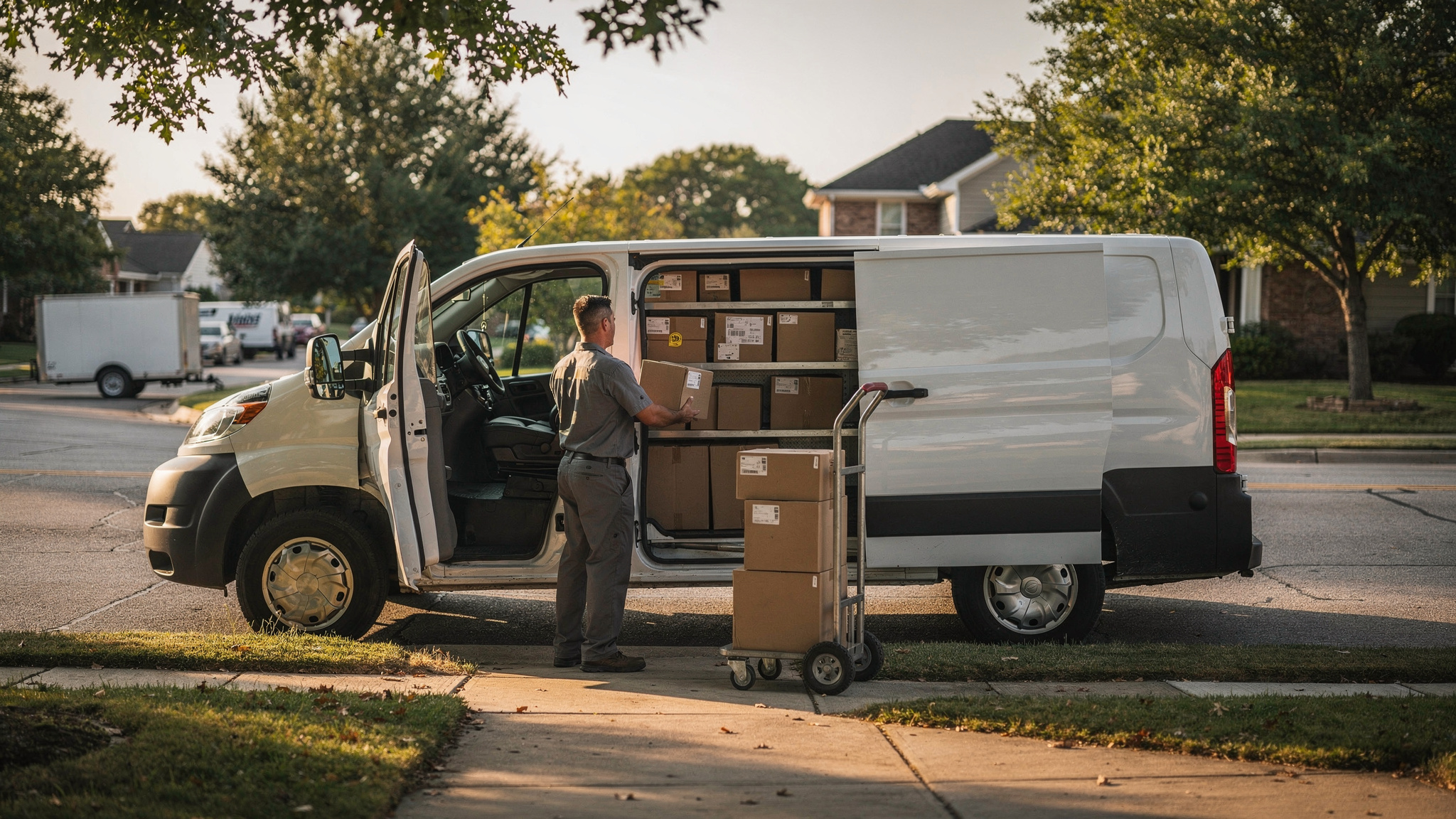
A route planner with unlimited stops lets you import every order for the day without hitting a cap, then optimizes and splits those stops across your drivers. For US fleets, the useful limit is the driver's day. Where FMCSA rules apply, a property-carrying driver may drive a maximum of 11 hours after 10 consecutive hours off duty, according to the Federal Motor Carrier Safety Administration's hours-of-service summary.
So the number of addresses a planner accepts is only the starting point.
The real question is whether the routes it hands back fit a real shift, with real time at each door, in a real vehicle.
Picture a dispatcher in Columbus or Sacramento early on a weekday morning. Online orders came in overnight, a few accounts called in yesterday afternoon, and the recurring stops are already on the list.
All of it needs to become routes before the vans roll. That's the job a good planner does well.
A route planner with unlimited stops works best when it turns one long list into routes each driver can finish
"Unlimited" is a promise about input. You can drop in the whole day's orders without trimming the list to fit a plan limit.
The value shows up in the output.
A good planner reads that long list and returns a set of routes, one per driver, each in a sensible sequence and each short enough to finish. To do that, it needs to know more than addresses:
- The delivery window each customer chose
- Vehicle capacity and vehicle type
- Service time, meaning how long each stop takes at the door
- Driver availability and shift start
- Where the day begins and ends, usually the depot
With those details in place, splitting the list stops being a puzzle someone works through by hand. It becomes a planning decision the software handles, with the dispatcher reviewing the result.
Getting the orders in matters too. When orders arrive from an online store, Locate2u's store and order-system integrations can pull them straight into the planner, so the day starts from the full list without copying and pasting.
It also helps to ask any vendor what "unlimited" actually covers. Addresses per import, stops per route, orders per day and number of drivers are different things. A clear answer lets you compare plans on the terms that matter to your operation.
For teams that plan routes every single day, the time adds up. SuperPharmacy, an online pharmacy that has served customers across Australia since 2000, describes on its case study page how daily route planning that took up to an hour now takes 10 minutes. Its full story is further down.
Where FMCSA hours-of-service rules apply, the 11-hour driving limit sets the practical length of a route
The FMCSA summary puts the rule for property-carrying drivers in one line: "May drive a maximum of 11 hours after 10 consecutive hours off duty."
For a planner, that line is a ceiling. It isn't a target.
Whether it applies to your operation depends on your vehicles and the kind of work you do, and the right place to confirm that is FMCSA itself. What follows is about planning, not legal interpretation.
Here's why it matters for a big stop list. A route planner with unlimited stops can sequence every address into one long loop. Without a shift length to work within, that loop can stretch past a day any driver could comfortably finish.
The answer is simple. Tell the planner when each driver starts and how long their day can be.
Then let it split the work. When the stops don't fit, they move to another driver, another vehicle, or the next day's run.
Driving is only part of a delivery day. Each stop has its own service time: finding the entrance, handing over the goods, capturing a signature or a photo.
A route that looks comfortable on distance alone can fill a shift quickly once those minutes are added. So build service time into every stop from the start.
Leave a little headroom too. Traffic, a busy loading dock, a customer who needs a few extra minutes at the door.
A plan with some slack lets drivers finish on schedule without rushing, and that's good for everyone at the stop. Dispatchers can review the day's routes before they go out and rebalance any that run long, well before a driver sees them.
For short-haul fleets using the 150 air-mile exception, a 14-hour duty period frames the day's plan
Local delivery work tends to start and finish at one depot, and FMCSA has a specific exception built around that kind of day.
The FMCSA summary of hours-of-service regulations exempts a driver from §395.8 and §395.11 when they operate "within a 150 air-mile radius of the normal work reporting location" and do "not exceed a maximum duty period of 14 hours."
For planning, that gives you two practical settings.
First, the radius. Treat the normal work reporting location as the depot in your planner, and keep an eye on where the outermost stops sit relative to it.
Second, the duty period. Set each shift so the whole planned day, stops included, sits inside the duty period you're working to.
Record-keeping follows from there. FMCSA's page on who must comply with the ELD rule says: "Drivers who operate under the short-haul exceptions may continue using timecards; they are not required to keep RODS and will not be required to use ELDs."
Eligibility turns on the details of each operation, so confirm yours with FMCSA before relying on it.
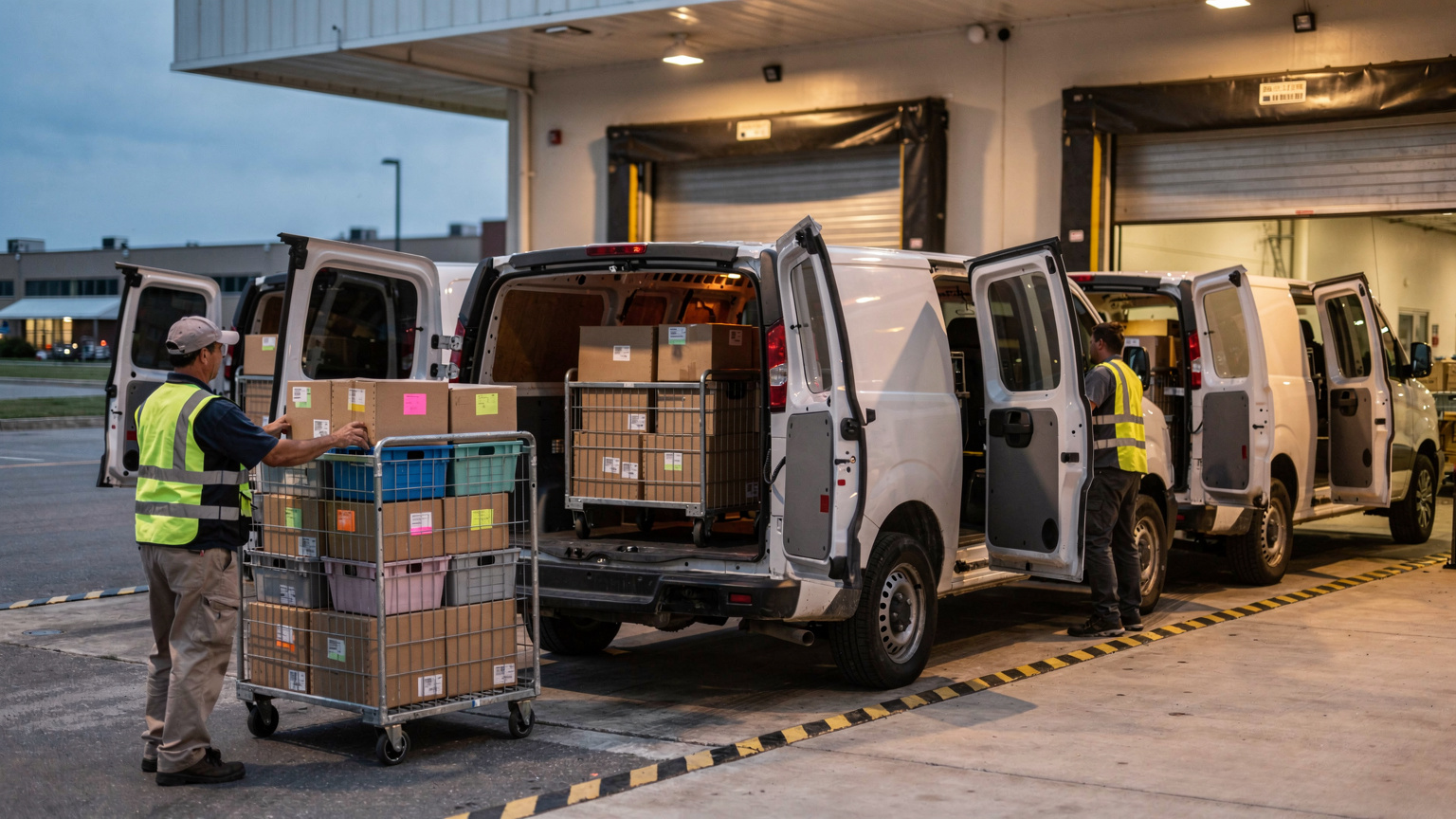
Handing drivers a sequenced route frees them to focus on the delivery itself
The US Bureau of Labor Statistics Occupational Outlook Handbook describes how delivery work is commonly organized: "Most drivers generally receive instructions to go to a delivery location at a particular time, and it is up to them to determine the best route."
That's a lot of planning to carry on top of the driving and the deliveries.
A sequenced route takes that load off the road. The driver opens the day's stops in order, with the timing already worked out.
Their attention can then go where it counts most: the right goods, the right door, a clear handover.
Every hour of a driver's day also has a real cost. BLS reports that the median annual wage for light truck drivers was US$44,860 in May 2025.
That investment goes furthest when the hours go into deliveries rather than into working out the order of stops before each leg. A planner that sequences every route before the shift begins puts those hours where they belong.
In the Locate2u driver app, the sequenced route arrives on the driver's phone. Each completed stop can carry proof of delivery with a photo, a signature and a timestamp, and customers can follow a live tracking link so they know when to expect their order.
Drivers' local knowledge still counts for a great deal. The gate code, the side entrance, the dock that's easiest to reach mid-morning.
Capture those details on the stop record so every future route benefits from them.
The best route generally balances miles with parking, safety and how the driver experiences the day
Shortest isn't always best.
Researchers at the MIT Center for Transportation & Logistics made this point in 2021, noting that a good route plan is also one that is "perceived well by the driver." The factors they discussed include parking, safety and traffic, alongside distance.
That matches what dispatchers see every day. A sequence can save a few blocks on the map and still ask the driver to find parking twice on a busy downtown street, or cross heavy traffic for a single stop.
Good route planning software gives you the settings to reflect that reality.
Service time per stop is the big one. A residential doorstep drop and a commercial delivery through a loading dock take different amounts of time, and the plan should know which is which.
Delivery windows come next. Grouping stops by the window each customer picked keeps the route flowing in one direction, instead of looping back for a later slot.
Then there's the human review. Locate2u's dispatch planning tools let a dispatcher look over each route on the map before it goes out, and move a stop to another driver if the sequence doesn't suit the street.
Mileage still matters. Every mile has a cost in fuel, wear and time.
The best plan weighs it alongside the things that make a route practical to complete and pleasant to drive. Ask a driver or two to look over a test route. They'll spot the tricky parking block faster than any map.
How a pharmacy delivery team cut daily route planning from an hour to 10 minutes
SuperPharmacy has operated as an online pharmacy in Australia since 2000, making it one of the earliest digital pharmacy services in the country.
It delivers prescription medications, over-the-counter products and health essentials straight to customers' doorsteps nationwide.
As customers came to expect faster delivery, particularly same-day delivery for prescriptions, the team wanted a planning process that could keep pace.
According to its case study page, the delivery team was spending up to one hour every day planning routes for prescription deliveries by hand. When an urgent prescription arrived or a delivery needed rescheduling, the route had to be generated again from the start.
SuperPharmacy brought in Locate2u's route optimization software to automate the daily plan.
Routes are now generated automatically from delivery locations, time windows and driver availability. The planning that once took an hour now takes 10 minutes, cutting route planning time by 83%.
The bigger change came during the day. New prescriptions can be slotted into existing routes as they arrive, without disrupting the other deliveries.
That flexibility let SuperPharmacy offer same-day prescription delivery as a core service.
On its case study page, the team puts it this way: "Before Locate2u, we had to generate new routes if we wanted to change anything. Now we can adjust the day's deliveries on the fly."
The story carries across to a US fleet because the shape of the day is the same: a long list of time-sensitive orders, a set number of drivers, and new orders arriving after the plan is built. These figures are one operator's result, so read them as an example of what's possible rather than a benchmark.
Five checks to run when testing a route planner on your own stop list
The clearest way to judge a planner is on your own work.
Pick a real day's orders from recent weeks, ideally one of your busiest, and run the checks below. When you shortlist a route planner, unlimited stops should be the starting point of the test, not the whole of it.
| Check | What to run | What good looks like |
|---|---|---|
| Import the full day | Load every order from your store integration or a file, with nothing trimmed | Every stop lands in the plan with no retyping |
| Set real shifts | Enter each driver's start time and shift length, within the hours-of-service framing that applies to your operation | Routes split so each one fits its shift |
| Add service time and windows | Give each stop realistic time at the door and the customer's chosen window | Arrivals respect the windows and the day still fits |
| Drop in a late order | Add an urgent order after the routes are built | It slots into an existing route without rebuilding the day |
| Hand it to a driver | Send one route to the driver app and walk through it together | A clear sequence, easy navigation and proof of delivery at each stop |
A few notes on reading the results.
If a planner accepts every stop but can't show why it gave a stop to one driver rather than another, ask for a walkthrough. Seeing the logic helps dispatchers trust the plan and adjust it with confidence.
Ask a driver to review the test route as well. The MIT CTL point applies here: a route that reads well on screen should also feel right from behind the wheel.
And confirm what "unlimited" includes on the plan you'd actually buy, so the setup you test is the setup you'll run every day.
Frequently asked questions
Do short-haul delivery drivers need an ELD if they use route planning software?
Generally not, where the short-haul exception applies. FMCSA's ELD rule says drivers operating under the short-haul exceptions may continue using timecards and will not be required to use ELDs, so operators should confirm their own eligibility with FMCSA.
How many stops should one driver's route have?
There is no universal number. The right count depends on service time at each stop, vehicle capacity, delivery windows and shift length, so the most reliable answer comes from running a real day's orders through the planner and reviewing how it splits them.
Does every stop have to be typed or uploaded by hand?
No. Locate2u can pull orders straight from an online store through its integrations and group them by delivery window, which is how the case study for Madam Seafood, a family-run seafood business in Adelaide, describes removing the manual step of transferring orders into a routing system and automating 90% of its delivery workload.
Can an unlimited-stop route planner handle pickups as well as drop-offs?
Yes. Locate2u plans routes with multiple pickup and drop-off points per vehicle, the setup the case study page for PTSQ describes for its non-emergency patient transport across Queensland, where patients have fixed appointment times.
A route planner with unlimited stops earns its place when every route it returns is one a driver can finish, inside the day you've planned and the rules that apply to your fleet. Start with your busiest real day, set honest shift lengths and service times, and judge the plan by how it reads to both the dispatcher and the driver.
To see how that works on your own stop list, explore Locate2u route optimization and check the plan options on the Locate2u pricing page.