Fleet Tracking Buyer's Guide: Features, Pricing Checks and Demo Questions for US Fleets
Drafted with AI assistance, edited and fact-checked by Sean Flannery. See our editorial policy.
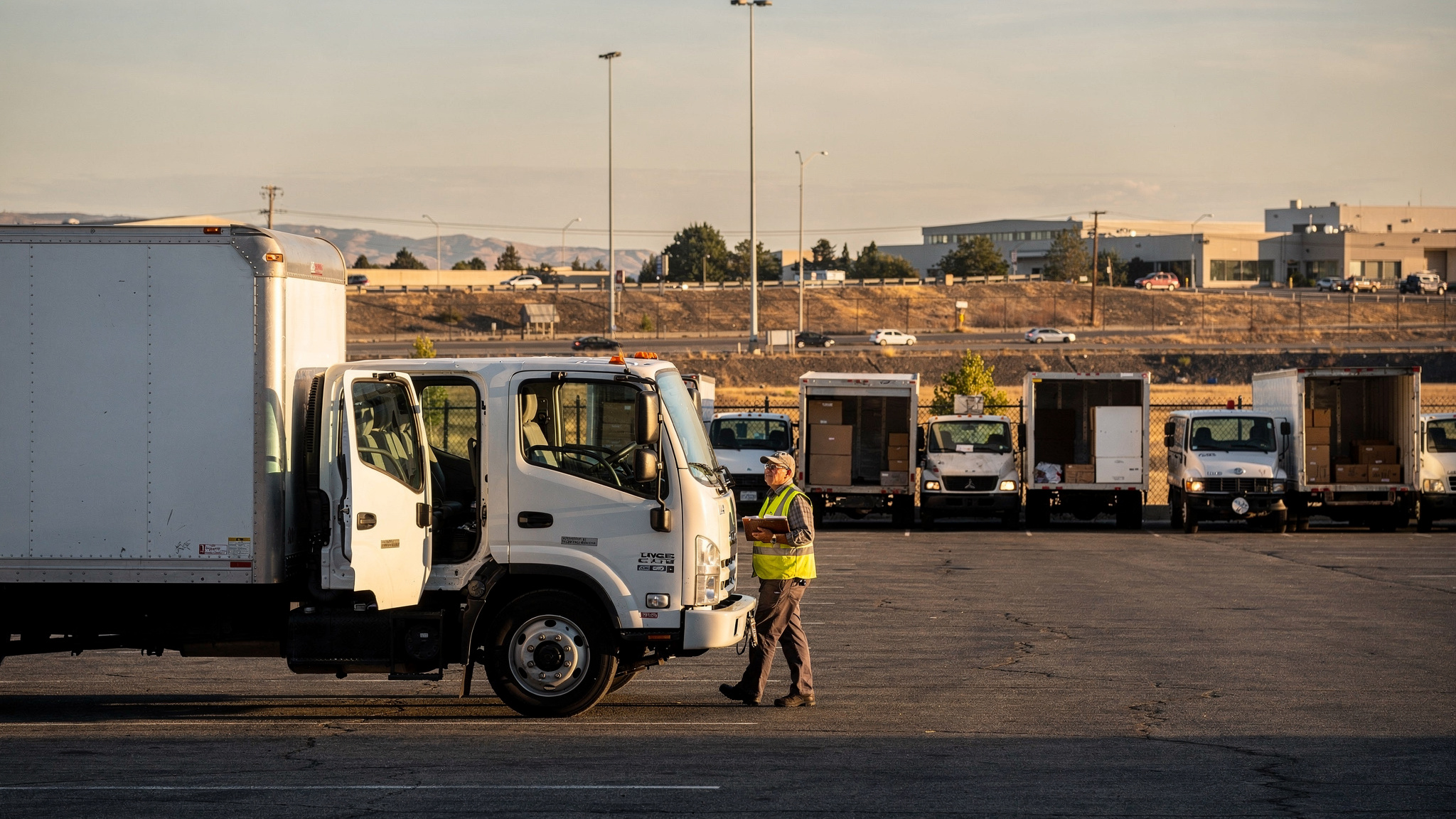
Choose fleet tracking software by testing it on your own routes: live vehicle locations, accurate ETAs, routing that handles stop changes, proof of delivery and clear per-vehicle or per-user pricing. For US fleets facing metro congestion and long regional runs, the right platform keeps dispatch, drivers and customers working from the same live picture.
Delivery demand is the reason to get this choice right. According to the US Census Bureau, e-commerce sales accounted for 17.1 percent of total US retail sales in the second quarter of 2026, with retail e-commerce estimated at US$340.2 billion, seasonally adjusted.
Each of those orders ends at a front door, a loading dock or a job site. So a fleet tracking buyer's guide for US operators starts with your own stop list, in the traffic and weather your drivers actually work in, rather than with a feature sheet.
What fleet tracking software should do for a growing US delivery fleet
Start with growth. The U.S. Bureau of Labor Statistics projects employment of delivery truck drivers and driver/sales workers to grow 7 percent from 2025 to 2035, much faster than the average for all occupations.
That points to a practical buying test. Can a new driver open the app on day one and follow a clear stop list without a long training session? A tool that is easy to learn helps every new hire settle in with confidence.
The second test is handoffs. McKinsey & Company analysis published in 2024 found that between 13 and 19 percent of logistics costs could stem from inefficient mid- and last-mile handoffs, amounting to up to US$95 billion in losses a year in the US economy alone, according to McKinsey's research on mid- and last-mile handovers.
For a buyer, that makes handoffs the place to look first. Order to dispatcher. Dispatcher to driver. Driver to customer. When one system carries the information through every step, there is less to re-key, re-check or chase by phone.
So the core jobs are clear. Show where every vehicle is. Give each driver an ordered stop list that updates when plans change. Tell customers when to expect their delivery, then record what was handed over, when and where.
Franz Building Supplies' case study reports how those jobs come together on real job sites. The company delivers heavy and bulky building materials to construction sites, builders and trade professionals, whose projects rely on timely and accurate deliveries to stay on schedule.
The team wanted better visibility into daily delivery operations and a reliable way to show that each delivery was completed correctly, with a clear record of what was delivered, when and where.
Franz Building Supplies implemented Locate2u's proof of delivery, which captures photo evidence, signatures and timestamps for every delivery. Drivers photograph each delivery on site, so the company and the customer share the same record.
The team also began sharing live tracking links, giving customers real-time visibility into when their deliveries would arrive. The case study credits that transparency with setting clear expectations, and quotes the team directly: "Our customer disputes dropped to nearly zero."
That is one building supplies business's result, in its own measure. For a buyer weighing platforms, it is a clear example of two features worth testing side by side: live tracking before arrival and proof of delivery at the handoff.
Live tracking features worth testing first: locations, ETAs and arrival alerts
A dot on a map is the starting point. What matters is whether the location, the ETA and the customer message all stay accurate as the day changes.
Test location updates on a real route. Ask how often a vehicle's position refreshes while it is moving, then watch it through a busy stretch of your own metro area at evening rush hour.
Then test ETAs. A good ETA recalculates on its own when a driver meets heavy traffic or spends longer at a stop. In a sprawling metro, where one route can cross several suburbs and a downtown core, that recalculation keeps customer promises realistic.
Arrival alerts close the loop. A customer who can see the truck approaching can be at the door, the dock or the site gate when it arrives, and the driver finishes the stop sooner.
Questions worth asking on every demo call:
- How often does a vehicle's location refresh while it is on the road?
- Does the next customer's ETA update automatically when a stop runs long?
- Can customers receive a live tracking link without anyone in the office sending it?
- Can dispatch spot a delayed vehicle at a glance, without opening each route?
Locate2u's real-time tracking gives dispatch a live dashboard showing every vehicle in the fleet, and customers can follow their delivery through a live tracking link. In a demo, ask to see the dispatch view and the customer view at the same moment, on the same stop.
How routing and dispatch tools turn location data into on-time routes
Tracking shows where vehicles are. Routing decides where they go next, and dispatch keeps the two in step.
Good route optimization starts from your real constraints: delivery windows, driver availability and the type of vehicle each stop needs. Locate2u's route optimization accounts for time windows, vehicle types and driver availability, and it can group orders by delivery window before generating a route for each driver run.
Mixed fleets need this most. If box trucks carry bulky freight while vans handle smaller parcels, ask each vendor to show how a stop gets matched to the right vehicle type.
Then test what happens when the plan changes. An urgent order comes in mid-morning. A customer asks for a later window. A road closure sends one driver the long way round.
In the demo, add an urgent stop to a route that is already running. Then move a stop from one vehicle to another. Watch how many clicks each change takes, and whether the driver's app updates without a phone call.
Locate2u lets dispatchers slot new stops into existing routes during the day without disrupting other deliveries. That means the plan adapts to the day instead of being rebuilt from scratch.
Good dispatch tools also make room for what drivers know. A driver who knows the quickest way into a busy distribution center, or which entrance a job site uses, holds detail no map has.
So check that drivers can add stop notes, and that those notes appear for dispatch and for whoever runs that stop next time. It turns everyday local knowledge into a shared asset for the whole team.
Planning around weather and long regional runs
Weather belongs in route planning in every season, not only in winter.
According to the Federal Highway Administration, approximately 12 percent of US vehicle crashes each year, nearly 745,000, are weather-related.
The planning insight is that a wet day deserves the same attention as a snow day. Build seasonal time buffers into service times and delivery windows, and choose a platform that updates customer ETAs as conditions change.
It also helps to set more than one buffer level, so a light-rain day and a heavy-storm day get different plans before the first truck leaves the depot.
Long regional runs add their own planning. A delay early in the run carries through every stop after it, so plan these as dedicated routes with realistic buffers and a live ETA each customer can follow.
Longer routes also involve driver-hours and vehicle requirements, so check the current rules with the Federal Motor Carrier Safety Administration before setting route lengths.
How proof of delivery keeps customer handoffs clear
Proof of delivery is the final handoff on every route. Done well, the driver finishes each stop with confidence, the customer gets confirmation and the office can close the job straight away.
Locate2u's proof of delivery records photos, signatures, timestamps and location data at each stop. Each record is available to dispatch as soon as the driver completes the stop.
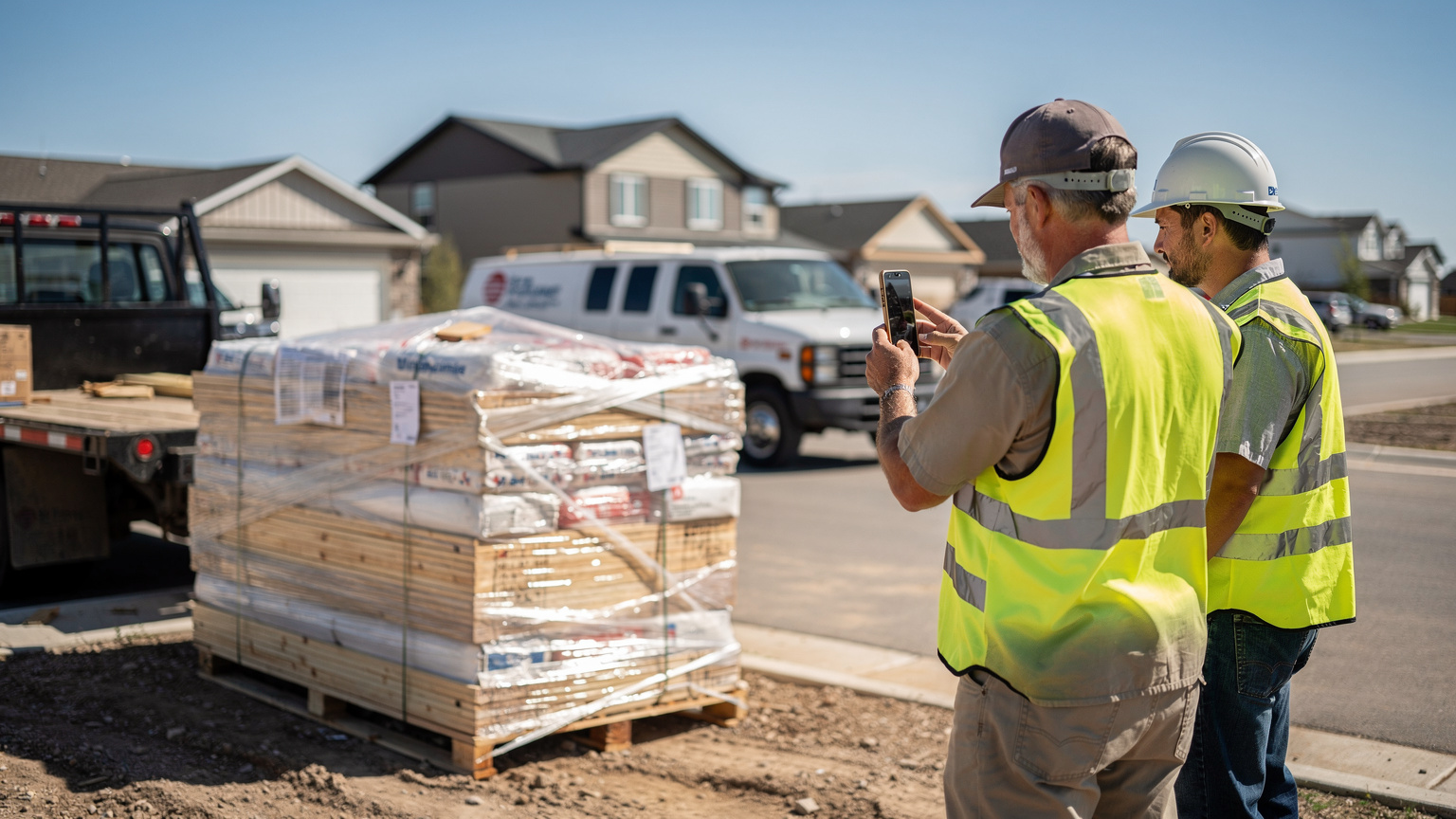
Context shapes what good proof looks like. On a construction site, a photo showing exactly where the pallets were placed helps the builder find materials quickly. At a home delivery, a photo of the parcel at the door reassures the recipient it arrived safely.
Speed matters for drivers too. Ask how many taps it takes to capture a photo and a signature, and test it yourself with gloves on, in a truck cab, on a phone of the kind your team actually carries.
Then check the office side:
- Can dispatch find a record by order number, customer or date?
- Can a record be shared with the customer in a few clicks?
- Does capture work at pickups and returns as well as drop-offs?
- Can photos and timestamps be exported alongside the stop history?
- Can drivers add notes, such as where goods were left or who received them?
If invoicing depends on confirmed delivery, a timestamped record with a photo lets your accounts team bill with confidence on the same day the work is done.
Pricing models and contract terms to compare before you sign
Start by confirming which billing model each vendor uses. Per-vehicle pricing ties cost to the trucks on the road. Per-user pricing ties it to the people who log in, such as drivers and dispatchers.
Neither model suits every fleet. A business running double shifts on the same vehicles may compare the two very differently from one where each driver keeps a dedicated truck.
Make these checks with every vendor before you sign:
| What to check | Question to ask |
|---|---|
| Billing model | What counts as a billable vehicle or user, and how are seasonal drivers charged? |
| Contract length | Is monthly billing available, and how do renewal and notice periods work? |
| Setup fees | Are onboarding, installation or hardware charged separately? |
| Stop limits | Does the plan cap stops, orders or routes, and what happens at peak? |
| Exports and integrations | Which integrations are included, and are data exports self-serve? |
| Support hours | Does support cover the time zones your depots and drivers work in? |
Locate2u lists its plans on its pricing page, so you can match a plan to your fleet before the demo starts.
It also helps to weigh the subscription against driver time. The U.S. Bureau of Labor Statistics reports that the median annual wage for heavy and tractor-trailer truck drivers was US$58,640 in May 2025.
Here is a hypothetical worked example, built on assumptions rather than measured results. Dividing that base median wage by an assumed 2,080 working hours a year gives a hypothetical worked-example rate of about US$28.19 per hour. If smoother routing saved an assumed 15 minutes per driver per day across 250 working days, that would be 62.5 hours, a hypothetical worked-example value of about US$1,762 per driver per year.
That result uses a base median wage for one driver occupation, not a fully loaded labor cost, and the 15 minutes is an assumption rather than a measured outcome. Replace both with your own wage rates and pilot data, then set the result beside the plan price.
How to run a demo on your own routes and score what you see
A demo on sample data shows the software at its tidiest. A demo on your data shows how it fits your day.
Before the call, export a recent real day: stop addresses, delivery windows, vehicles and any notes. Pick a day with a few awkward stops, such as a tight window, an urgent add-on or a long regional leg.
Write the scorecard before you see anything. Agree what good looks like with your dispatcher and two or three drivers, then invite them to the demo. They will spot workflow details a manager can miss.
During the session, ask the vendor to run real changes live rather than describe them. Score each area straight after the call, while it is fresh, and compare notes as a team.
| Area | How to test it | What good looks like |
|---|---|---|
| Live locations | Follow one vehicle through a busy metro stretch | Position refreshes steadily and delays stand out on the dashboard |
| ETAs and alerts | Extend one stop and watch the next customer's ETA | The ETA and the customer's tracking link update on their own |
| Routing changes | Add an urgent stop to a running route | The stop slots in and the driver app updates without a call |
| Weather buffers | Add extra service time to a wet-day plan | Windows and ETAs adjust before the route leaves the depot |
| Proof of delivery | Capture a photo and signature at a pickup and a drop-off | Both records reach the office with time and location attached |
| Exports | Export the finished day | A clean file your accounting or ERP tools accept |
After the demo, run a short pilot on a handful of routes before rolling out fleet-wide. Locate2u's guide to delivery management software is a useful companion if you are weighing tracking as part of a wider dispatch setup.
Frequently asked questions
Do you need hardware installed in every vehicle to track a fleet?
Not always. Ask each vendor whether tracking runs from a driver smartphone app or a hardwired GPS unit, then compare installation time, handset needs and what happens when a vehicle is swapped; the Locate2u driver app page shows how its app-based workflow handles stops and status updates.
Can a tracking platform handle pickups and returns as well as deliveries?
It should, because returns add reverse trips: the National Retail Federation's 2025 returns report estimates that 19.3% of online sales will be returned in 2025. Check that a single route can mix pickups and drop-offs and record proof at both ends.
How do you introduce a new tracking system to your drivers?
Present it as a tool that gives drivers clear stop lists, fewer customer calls and a simple way to record completed work. Involve a few drivers in the pilot, act on their feedback and roll out to the wider team once the workflow feels natural.
What delivery data should you be able to export from fleet tracking software?
At minimum, completed stop history with timestamps, proof-of-delivery photos and signatures, and route records in a format your accounting or ERP tools accept. Ask whether exports are self-serve or require an API, and confirm which integrations are included in your plan.
The right platform is the one that performs on your own routes, in your own traffic and weather, at a price you fully understand. Test it with a real day of stops, score it with your dispatchers and drivers, and pilot before you commit. To see live locations, routing and proof of delivery working together, explore Locate2u's fleet management tools and bring one of your own routes to the conversation.