Dynamic Route Optimisation: How Real-Time Re-Routing Helps UK Delivery Fleets Finish On Time
Drafted with AI assistance, edited and fact-checked by Sean Flannery. See our editorial policy.
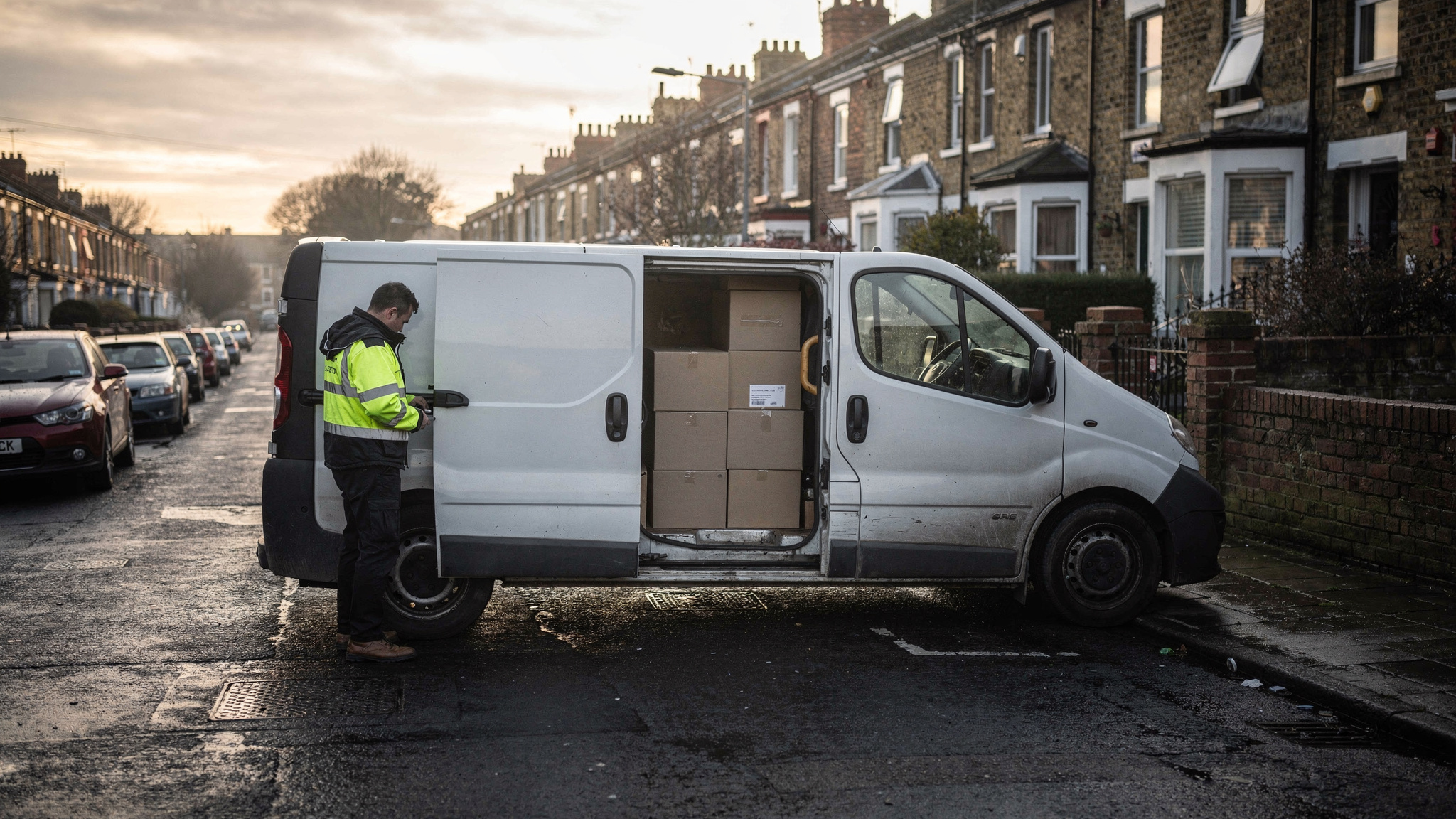
Dynamic route optimisation recalculates delivery routes during the working day as traffic, new orders, cancellations and driver availability change, rather than fixing the sequence once each morning. In Great Britain, where the Department for Transport measured an average 24.6 mph on local A-roads in the year ending March 2026, live re-sequencing helps keep ETAs accurate.
At that average pace, stop times and ETAs set in the morning depend on how the local roads actually run. Feeding each van's live position back into the plan lets those ETAs move with the day.
For a UK transport manager, the morning plan is the starting point. Then a same-day order lands before lunch, a site asks for a later slot, and late in the shift a driver's remaining hours start to shape what else can fit.
Dynamic routing turns each of those moments into a small update instead of a fresh plan. It also keeps UK specifics in view: DVSA drivers' hours, operator-licence vehicles and the vehicle rules for Greater London.
Dynamic route optimisation re-plans the day as conditions change, not just once each morning
Traditional route planning works in a single pass. The planner takes the day's orders, builds a sequence for each vehicle, and the drivers head out.
That pass is still the foundation. This guide to how route optimisation sequences stops covers the basics.
Dynamic route optimisation adds a second layer. The plan stays open, and when something meaningful changes, the remaining stops that have not yet been delivered are re-sequenced.
Typical triggers include a new order, a cancellation, a customer moving their slot, or a vehicle running behind its ETA.
SuperPharmacy shows what this looks like in practice. The online pharmacy has operated in Australia since 2000, delivering prescription medications, over-the-counter products and health essentials to customers' doors.
Its case study page explains that the delivery team spent up to one hour every day planning routes by hand. A new urgent prescription or a rescheduled delivery meant regenerating the whole route.
With Locate2u's route optimisation, that planning now takes 10 minutes, cutting route planning time by 83%. New prescriptions are slotted into existing routes on the fly, which let SuperPharmacy offer same-day prescription delivery as a core service.
As SuperPharmacy puts it on its case study page: "Before Locate2u, we had to generate new routes if we wanted to change anything. Now we can adjust the day's deliveries on the fly."
That result is SuperPharmacy's own rather than a UK benchmark, but the planning question transfers directly. An urgent order arriving mid-morning asks the same thing of a chemist's delivery van in Leeds or a trade-counter fleet in Bristol, and slotting it into a live route answers it the same way.
On busy local A-roads, live re-sequencing keeps a morning plan and its ETAs on track
When a round runs on local 'A' roads, the timings a planner uses for those roads decide whether the afternoon's ETAs hold.
The DfT's travel time measures for local 'A' roads put the average delay at 43.4 seconds per vehicle per mile in the year ending March 2026.
Worked example, on illustrative assumptions: take a van whose day includes 30 miles of local 'A' roads. At the average delay of 43.4 seconds per vehicle per mile, that adds up to 1,302 seconds of delay, which is 21.7 minutes.
That figure is an average across all traffic, not a forecast for your route. And real delay rarely arrives evenly.
One junction runs smoothly. The next is busy. By early afternoon, the remaining stops can sit in a less sensible order than the morning plan assumed.
This is where live re-sequencing earns its keep. Real-time vehicle tracking gives the office each vehicle's live position, and dynamic route optimisation uses it to reorder what is left and refresh the ETAs.
The morning plan stays the backbone of the day. It simply stays current.
Same-day orders and mid-route changes are where dynamic routing earns its place
Online orders keep arriving while vans are out. In the Office for National Statistics series for internet sales as a percentage of total retail sales, the value for August 2026 was 27.3%.
With more than a quarter of retail sales going through online checkouts that stay open after the vans leave the yard, some orders will always land mid-route. So it pays to set same-day rules before the day starts: an order cut-off, the areas you will add to a live route, and which vehicles can take late jobs.
When a new order arrives, dynamic routing slots it into an existing route in the position that minimises disruption to the other deliveries.
Cancellations and moved slots work in reverse. The stop comes out, the gap closes, and the next stop moves up.
Dispatchers stay in charge of the edge cases, such as a large order that needs a particular vehicle. Locate2u's dispatch planning tools are where the office team manages the day's routes and assignments.
For drivers, a change should feel small. The Locate2u driver app shows the revised next stop, so there is no need to call the office for new instructions.
One habit makes this work well: recalculate on meaningful triggers rather than on a fixed timer. That keeps each driver's next stop stable and easy to follow.
Where GB domestic drivers' hours rules apply, re-routes should respect the time a driver has left
Late re-routes tend to land when drivers have the least time left in the day. So the plan needs to know that time.
Where the Great Britain domestic drivers' hours rules apply, DVSA guidance on GOV.UK sets a maximum of 10 hours of driving and a maximum of 11 hours of duty in any working day.
Those two limits belong to the GB domestic rules only. Vehicles and journeys covered by the assimilated rules follow a different set, so confirm in the DVSA guidance which set applies to each of your vehicles before entering working windows.
For routing, the practical step is to give each driver a working window in the plan. Locate2u's route optimisation takes driver availability into account, so a re-sequenced route is built inside the time a driver has available, alongside your own hours records.
If a late order will not fit, another vehicle or tomorrow's first run is usually the calmer answer.
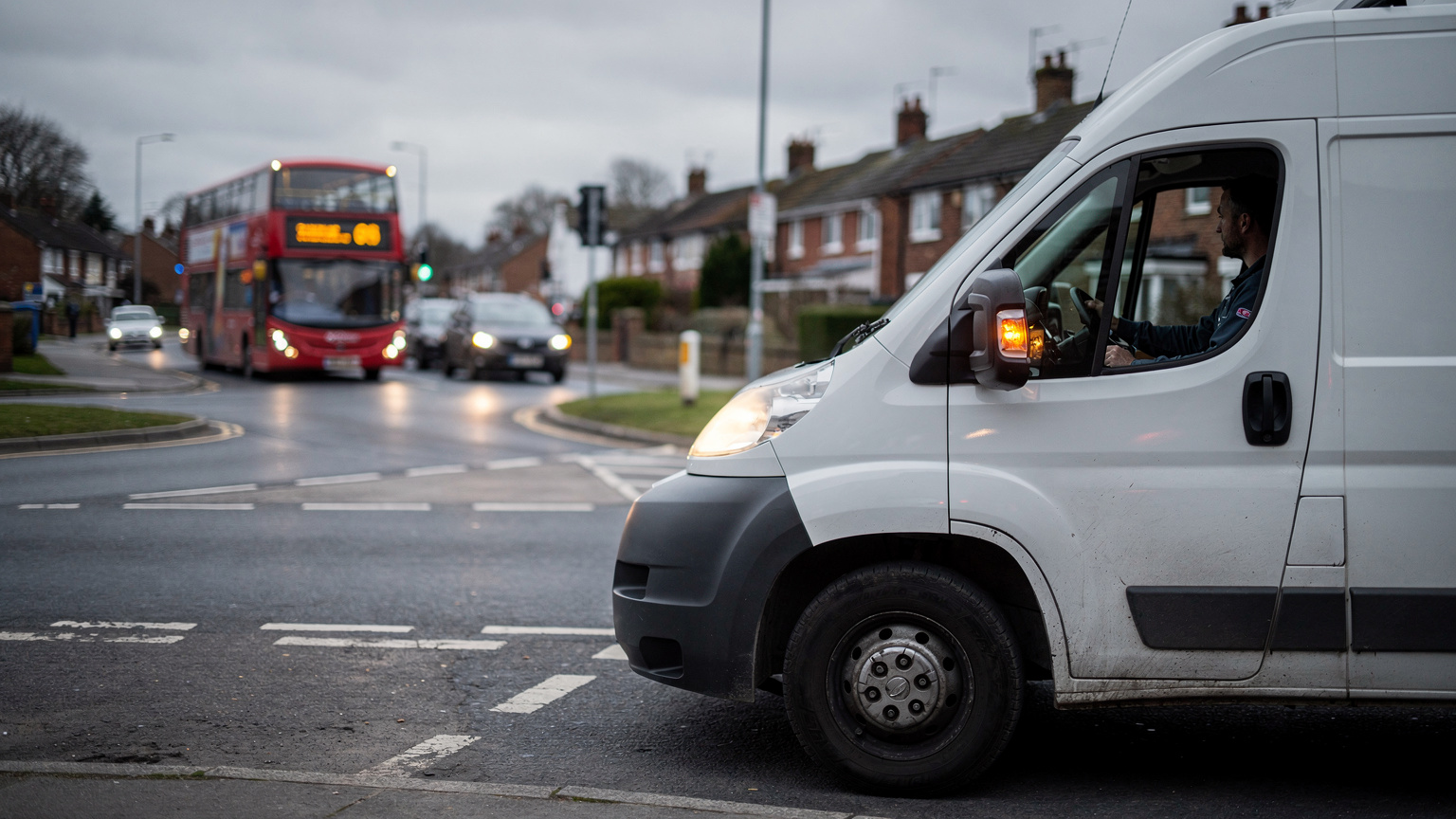
In London, vehicle choice becomes part of the route when the Congestion Charge and Direct Vision Standard apply
London adds vehicle rules to the routing problem. When a re-route moves a Greater London stop from one vehicle to another, the new vehicle has to be able to make that drop.
For the largest vehicles, Transport for London says that from 28 October 2024, HGVs over 12 tonnes need at least a three-star Direct Vision Standard rating, or must fit the Progressive Safe System, to operate in Greater London.
So it helps to record each HGV's DVS status alongside its routing details, not only in the fleet file. Then a midday re-route never offers a London job to a vehicle that is not set up for it.
The Congestion Charge adds a cost question for stops inside the zone. Transport for London sets the daily charge and the charging hours, so check the current terms on TfL before building them into the plan.
Worked example, on illustrative assumptions: two vans are already scheduled into the zone today, and a new zone drop arrives at midday. Adding it to either of those two keeps the day at two daily charges. Giving it to a third van adds a third charge for a single drop.
In practice, that comes down to a few settings. Mark which vehicles are cleared for Greater London, note which ones are going into the Congestion Charge zone that day, and make sure London stops stay with those vehicles when the day is re-planned.
Knowing which vehicles sit above 3,500 kg keeps operator-licence vehicles in the right pool
Outside London, weight decides which vehicles belong together.
GOV.UK's guidance on being a goods vehicle operator says you need a licence to carry goods in a lorry, van or other vehicle with a gross plated weight of over 3,500 kg. The page sets out the full criteria.
The useful step is to know, vehicle by vehicle, which of yours sit above that line. Many fleets run vehicles on both sides of it.
For dynamic routing, this matters because a re-route runs best when it only considers vehicles that suit the job. Group operator-licence vehicles into their own pool, and a heavy job moved at midday lands on a vehicle from that pool, with licence decisions staying with the transport manager.
Static planning generally suits fixed repeat rounds, while dynamic planning suits days that change
Dynamic planning is not needed for every round. Some work is steady by design.
A wholesale round with the same customers on the same days, or a standing collection schedule, can run well as a fixed sequence that drivers know.
Those rounds still gain from a well-built static plan and from live tracking, so customers know when the van is due.
Dynamic planning generally suits days that move: same-day orders, shifting slots, busy local 'A' roads and mixed fleets where the right vehicle depends on the job.
| Planning factor | Static planning generally suits | Dynamic planning generally suits |
|---|---|---|
| Order pattern | Fixed repeat rounds with the same customers each week | Days with same-day orders and late changes |
| Customer slots | Standing slots that rarely move | Slots that customers change during the day |
| Road conditions | Routes with predictable timings | Routes on busy local 'A' roads where timings vary |
| Vehicle changes | Vehicles rarely swap jobs | Jobs move between vehicles within the right pool |
| Driver view | A familiar sequence for the round | The next stop, updated in the driver app |
An operation can run both. Fixed rounds go out as planned, and the dynamic layer handles the exceptions.
A practical checklist for testing dynamic route optimisation on your own delivery days
The clearest way to judge dynamic route optimisation is to run it on days you already know well. Use this checklist, built from the UK points above.
- Pick a steady recent day and a busy one with same-day orders, cancellations or moved slots, and replay both.
- Set up vehicles as they really are: gross plated weight, which sit in the operator-licence pool, and which HGVs over 12 tonnes hold the DVS rating needed for Greater London.
- Give every driver a working window, kept within the drivers' hours rules that apply to each vehicle.
- Add changes mid-route. Insert a same-day order, cancel a stop and hold one vehicle behind its ETA, then check where each job lands.
- Watch the other drivers' next stops. A good re-plan changes what it needs to and leaves the rest of each sequence stable.
- Open the driver app and a customer tracking link, and confirm both show the revised next stop and arrival time.
- Time the office work. Record how long planning and re-planning take today, then compare with the test using your own numbers.
London stops deserve their own pass. Check that zone jobs stay with vehicles already cleared and scheduled for the zone that day.
Look at the result from the driver's side too. If each update is small and clear, the day stays easy to follow.
When the test days run well, Locate2u's UK pricing plans set out the options for your fleet size.
Frequently asked questions
Is dynamic route optimisation the same as real-time tracking?
No. Real-time tracking shows where each vehicle is, while dynamic route optimisation uses that live position, plus new or cancelled jobs, to change the order of the remaining stops.
Can a route be changed after the driver has already left the depot?
Yes. With Locate2u, the updated stop sequence is sent to the driver app, so the driver sees the revised next stop without calling the office for new instructions.
How often should a dynamic route be recalculated?
Recalculate when something meaningful changes, such as a new order, a cancellation or a vehicle running behind its ETA, rather than on a fixed timer. Trigger-based updates keep drivers' next stops stable and easy to follow.
Do customers see the new arrival time when a route is re-optimised?
They can. When live tracking links and automated notifications are switched on in Locate2u, the recipient's link reflects the driver's progress, so customers can plan to be in for the delivery.
Dynamic route optimisation works best on top of a solid morning plan, with driver windows, licence pools and London-ready vehicles set up before the day starts. Then each new order, cancellation or slow stretch of road becomes a quick update instead of a fresh plan.
To see how that looks on your own busiest day, explore Locate2u's route optimisation for UK delivery fleets and run a recent day through it.