Appliance Repair Business Software: How NZ Repair Companies Schedule, Route and Track Technicians
Drafted with AI assistance, edited and fact-checked by Sean Flannery. See our editorial policy.
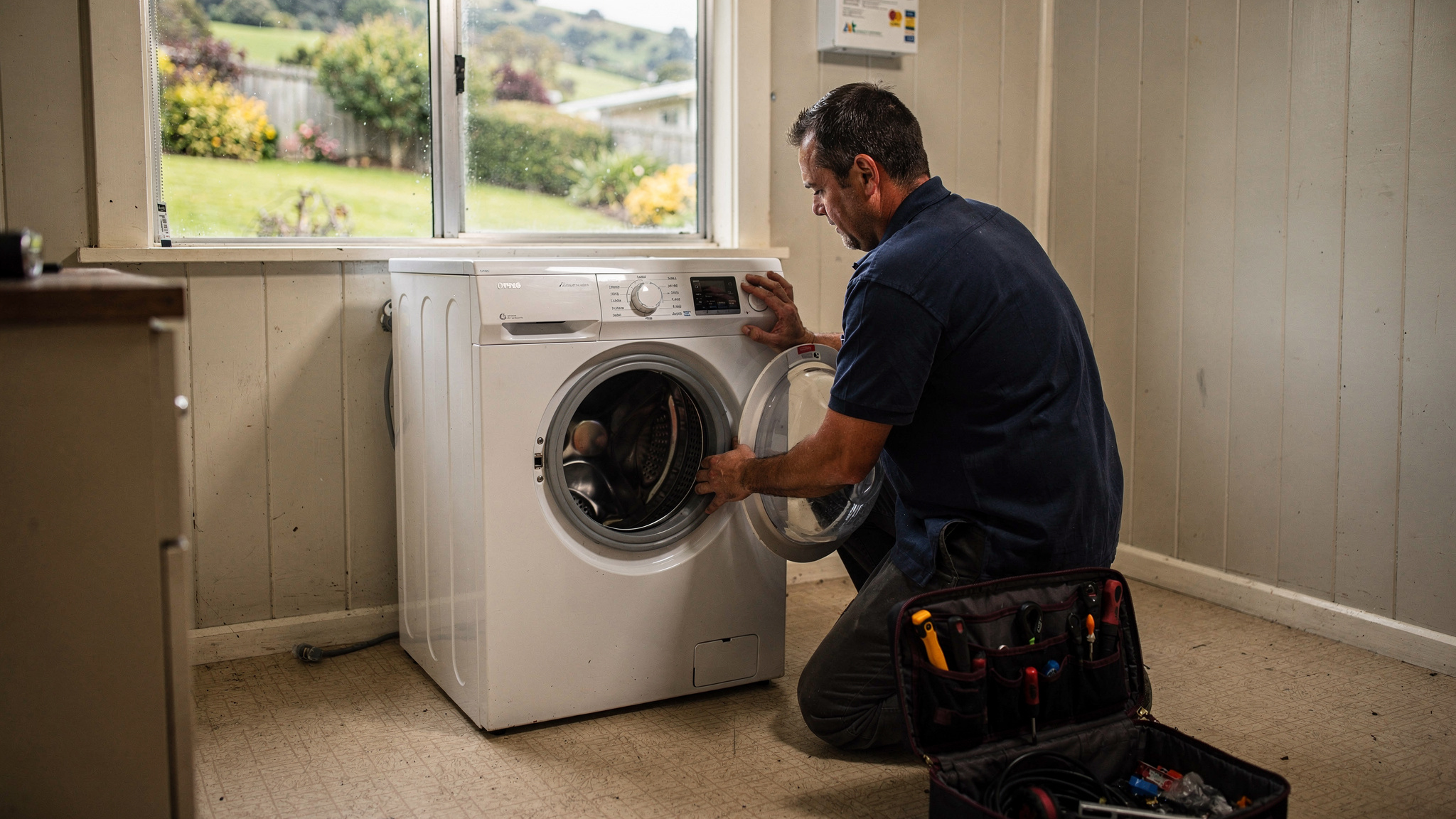
Appliance repair business software lets a New Zealand repair company schedule home visits, route technicians between jobs, and track each job from the first fault-finding visit to the parts return visit. Good platforms cluster rural jobs, plan around Auckland traffic, rebuild the day quickly when weather closes roads, and give customers a live arrival link.
For a repair team covering the Waikato, Canterbury or the top of the South Island, the diary is the business. Every hour spent driving between Motueka and Richmond, or across Hamilton, is skilled time the diary has to find somewhere else.
Most of that travel can be planned. Scheduling and routing software sets a sensible order of jobs, and a live arrival link shows customers when to expect the technician.
Appliance repair business software helps a small NZ technician team make the most of every working day
New Zealand's appliance repair trade runs on a small, skilled workforce. Stats NZ data puts employment in the domestic appliance repair and maintenance industry at 790 employees at February 2025.
With a workforce that size across the whole country, each technician's day carries real weight. The practical question for an owner is how to fill that day with repairs.
That is what appliance repair business software is built for. It brings the work into one place: booking the visit, ordering the day's stops, tracking the technician on the road, and keeping a record of what was found and fixed.
Delivery teams solve a very similar puzzle every morning. They start with a list of addresses, a set of time windows and a small number of vehicles, and new jobs arrive after the plan is made.
Locate2u was built for that puzzle, and the approach carries across to repair work. SuperPharmacy, an Australian online pharmacy, took daily route planning from up to one hour to 10 minutes with Locate2u. Its story is told in full further down.
Before comparing platforms, sketch a normal week for your team. How many jobs does each technician book in a day? How far is the furthest regular job from the workshop? And how often does a first visit end with a part on order?
Those answers point to the features that matter most. A rural team leans on clustering and routing. A metro team leans on time windows and live arrival links. A team that orders parts regularly needs both visits linked on one record.
Clustering jobs by area makes long rural runs across both islands worth the drive
According to NZ Transport Agency Waka Kotahi, New Zealand's state highways link to almost 83,000 km of local roads, and 65,600.7 km of those are rural.
That is the working map for most regional repair businesses. When most of the local network is rural, the order in which jobs are booked shapes the whole week.
Booking each call into the first free slot can scatter a technician's day across the region. Grouping jobs by area turns the same bookings into a few tidy runs.
A simple way to set it up:
- Give each outlying area a regular day, such as the coastal towns on Tuesdays and the inland valley on Thursdays.
- Offer new callers the next day for their area first, and treat urgent work, like a fridge that has stopped cooling, as the exception.
- Let the software order the stops within each day, so the run follows a sensible loop out from the workshop and back.
- Keep one slot open on rural days for a job that comes in overnight.
Assessment fees for outlying towns can be higher than for jobs in town, so clustering those outlying jobs means the drive is shared across several customers in the same area.
Teams that work on both islands generally plan each island as its own schedule. Where a part has to cross Cook Strait, booking the return visit once the part's arrival is confirmed keeps that run full.
Locate2u's route optimisation orders each day's stops around job locations, time windows and technician availability. So a clustered day also runs in a sensible sequence, without anyone reshuffling the list by hand each morning.
Planning around Auckland traffic keeps metro appointment windows realistic
State Highway 1 in central Auckland is the busiest road in New Zealand, carrying more than 200,000 vehicles a day, according to NZ Transport Agency Waka Kotahi.
Auckland is also where much of the repair work sits. Stats NZ business counts show the region has more repair and maintenance business units than any other, a count that covers the wider repair trade rather than appliances alone.
So the appointment window is where metro scheduling succeeds. A window that allows for the traffic is one the technician can keep.
Keep each technician in one part of the city for the day, such as the North Shore, West Auckland or the southern suburbs, rather than crossing the harbour and back between jobs.
Offer morning and afternoon windows instead of exact times. And set time on site by appliance type, because a dishwasher pump swap and a fridge diagnosis rarely take the same time.
Then let the customer see the timing for themselves. Locate2u's real-time tracking gives each customer a live link showing the technician on the way, so they can plan their morning around the visit.

Linking the fault-finding visit to the parts return visit keeps each repair on one clear record
Appliance repair often runs in two visits. The first finds the fault. The second fits the part once it arrives.
Some operators include the return trip in the original assessment fee when a part has to be ordered.
When the return trip is part of the original fee, it deserves the same planning as the first. Booking it into the next run for that area, rather than as a stand-alone drive, keeps the whole repair efficient.
The record from the first visit is what makes the second one quick. Useful details to capture on site include the make, model and serial number, the appliance's age, fault notes and photos, the part ordered, and whether the job is customer-paid, warranty work or referred by a retailer.
The appliance's age also helps the repair-or-replace conversation. Consumer-body estimates reported by the NZ Herald in November 2024 give washing machines a life expectancy of 10 years, and fridges and freezers 10 to 11 years.
A technician who records the age can show the customer where their machine sits against those estimates before the part is ordered. That makes the decision clearer for everyone.
Recording who is paying keeps each invoice going to the right place. Where warranty or consumer-guarantee questions come up, operators should check the current requirements with the Commerce Commission.
Locate2u's proof of delivery tools capture photos, signatures and timestamps at every stop. For a repair team, that means the first visit's photos and sign-off are already on file when the technician heads back with the part.
Live rescheduling helps technicians recover quickly when weather closes roads
Weather shapes the working week across much of New Zealand. Recent years have brought flood-related states of emergency to parts of Canterbury, Nelson-Tasman and Marlborough, and a severe wind event across Southland and Clutha.
When a road closes, the goal is to rebuild the affected part of the day and keep the rest running. A plan on paper has to be redrawn by hand. A plan in software can be adjusted only where it changed.
Research supports the method. A 2019 McKinsey & Company analysis of field operations found field service organisations can save 5 to 20 percent in labour costs with dynamic dispatching that gets technicians to job sites quickly and reacts to changes in real time.
That figure is global rather than New Zealand-specific. The principle still suits a small team working around a slip or a flooded bridge.
A practical rescheduling routine runs in order. Flag every job on the closed route. Move the ones that are still reachable to a technician working nearby. Rebook the rest into the next run for that area. Then let each affected customer know their new time.
Locate2u lets the office adjust the day's jobs on the fly, slotting work into existing routes without starting the plan again. A live view of every vehicle helps the office decide which technician picks up a moved job.
Technicians see the change straight away on the Locate2u driver app, and customers see an updated arrival time on their live link.
Safety comes first in severe weather, and operators should check current guidance with WorkSafe New Zealand.
How an online pharmacy cut daily route planning from an hour to 10 minutes
SuperPharmacy has operated as an online pharmacy in Australia since 2000. It delivers prescription medications, over-the-counter products and health essentials to customers nationwide.
As demand for faster delivery grew, its delivery team was spending up to one hour every day planning routes by hand. If an urgent prescription came in during the day, or a delivery needed rescheduling, the whole route had to be regenerated from scratch.
SuperPharmacy moved that planning onto Locate2u's route optimisation. Routes are generated automatically from delivery locations, time windows and driver availability, and daily planning that took up to an hour takes 10 minutes. Its case study page describes this as an 83% cut in route planning time.
The bigger change was flexibility. New prescriptions can be slotted into existing routes during the day without disrupting other deliveries, which let SuperPharmacy offer same-day prescription delivery as a core service.
SuperPharmacy's case study page puts it simply: "Before Locate2u, we had to generate new routes if we wanted to change anything. Now we can adjust the day's deliveries on the fly."
A pharmacy is not a repair business, and this outcome is one customer's experience rather than a benchmark for repair teams. The reason it carries across is the shape of the day.
Both work through a list of home addresses with time windows. Both take on new jobs after the plan is set, much like a repair diary when a breakdown call comes in mid-morning.
A practical checklist for choosing appliance repair software in New Zealand
The best test of appliance repair business software is your own work. Load a real week of jobs, including a rural day, a busy metro day and at least one parts return visit, and see how each platform handles them.
Use this checklist to guide that test.
| What to check | Why it matters for NZ repair teams | How to test it |
|---|---|---|
| Area clustering and stop order | Most of the local road network is rural, so the order of jobs shapes travel time | Load a week of rural jobs and compare the planned run with your usual route |
| Time windows and time on site | Metro windows generally need room for Auckland traffic and different appliance types | Book morning and afternoon windows and check each one holds in the plan |
| Linked visits on one record | A repair that needs a part usually means a second visit, which may already be covered by the first fee | Book a fault-finding visit, add a part, then book the return from the same job |
| Live rescheduling | Weather can close roads at short notice in many regions | Remove a road from a test day and see how the plan rebuilds |
| Live arrival link | Customers can plan their day around the technician's visit | Send yourself a tracking link and open it on a phone |
| Photos, signatures and timestamps | A clear record supports warranty jobs and return visits | Complete a test job in the app and check what reaches the office |
| Technician app | Generally runs on everyday smartphones, with no special hardware | Install it on a technician's own phone and run a short route |
| Integrations | Bookings can flow into the schedule without retyping | Ask how the platform's API connects to your booking or accounting system |
Pricing is easiest to judge once you know which features your team will use each day. Locate2u's plans are set out on the Locate2u pricing page.
Starting with one area or one technician, then rolling out once the first routes feel right, keeps the changeover calm for everyone.
Frequently asked questions
Do technicians need special hardware to use appliance repair software?
Generally no. Locate2u runs on a driver app for everyday smartphones, so technicians can see their job list, navigate and capture photos and signatures on the phone they already carry.
How should a small repair business move from a paper diary to scheduling software?
Start by loading one week of booked jobs with addresses and time windows, run the schedule alongside the diary, then switch fully once technicians are comfortable with the app. Moving recurring customers and warranty contacts in first makes the changeover smoother.
Can repair scheduling software connect to a booking or accounting system?
Often, yes. Locate2u offers API integrations, so bookings can flow into the schedule without retyping, and completed job records can be passed on to other systems your team already uses.
Is route optimisation useful for a one or two technician business?
It can be, particularly where jobs are spread across rural roads or outlying towns. Even with one van, ordering the day's stops sensibly and sharing a live arrival link can make the day easier to plan for both the technician and the customer.
A good first step is small: take next week's bookings, group them by area and day, and see how the routes look. If planning is the part of the week your team would most like back, Locate2u's dispatch planning tools are a practical place to start testing appliance repair business software on your own jobs.