How Grocery Delivery Software Helps Canadian Grocers Keep Orders Fresh and On Time
Drafted with AI assistance, edited and fact-checked by Sean Flannery. See our editorial policy.
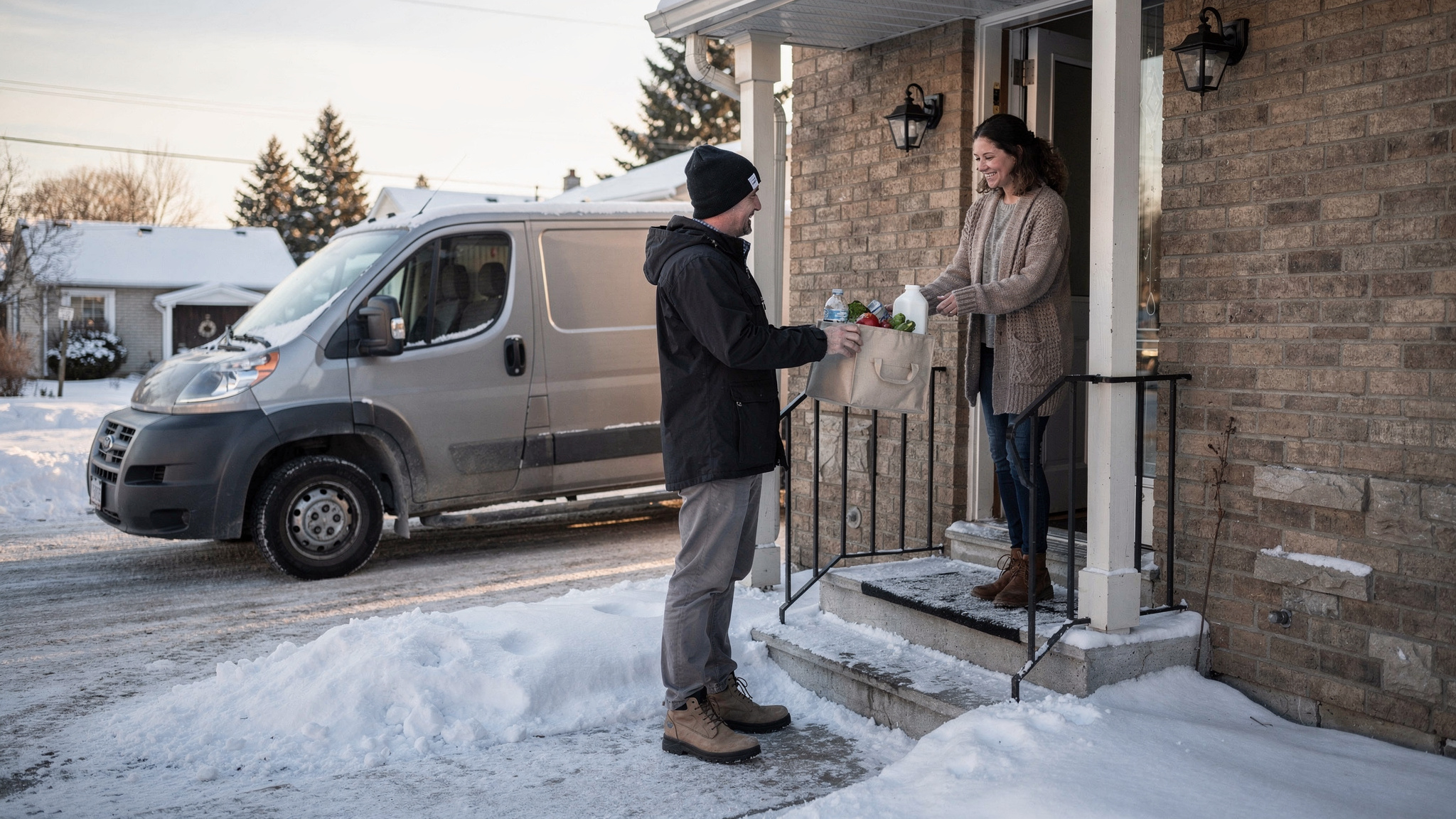
Grocery delivery software plans multi-stop routes around customer-chosen delivery windows, shares live ETAs so customers are home for chilled orders, and records photo proof of delivery at the door. Statistics Canada reported a 6.9% profit margin in 2024 for the food and beverage retailers subsector, so tighter routes help protect freshness and margin.
Worked example, on assumed numbers: a margin of that size leaves about C$10.35 of profit on a C$150 basket. In this simplified example, any delivery cost above that amount turns the order into a loss, which makes cost per delivery the number to watch.
What grocery delivery software does from checkout to doorstep
A grocery order starts collecting delivery details the moment a customer reaches checkout. The date, the delivery window, the address and any buzzer or loading-dock notes all travel with it.
Adding a temperature class to each order, whether chilled, frozen or ambient, lets the same details guide how the van is packed.
From there, grocery delivery software pulls orders into one planning view. Dispatchers see the whole day at once, grouped by window and area.
Next comes the route. The software sequences stops so each driver works through a neighbourhood in a sensible order and reaches every window on time. Dispatch planning tools then assign each route to a driver and a vehicle.
On the road, customers get a live tracking link and an ETA. At the door, the driver takes a photo and the stop closes with a timestamped record.
How efficient routing protects thin grocery margins
Food and beverage retail runs on a thin margin, and delivery costs sit right on top of it.
In McKinsey & Company's State of Grocery North America research, 52 percent of grocers named reducing last-mile costs as the most critical lever for improving e-commerce profitability in the next two to three years. The figure covers the US and Canada together, not Canada alone.
For a Canadian grocer, the practical decision is to measure the cost of each delivery run before adding more delivery slots.
Efficient routing helps in several ways. Stops in the same neighbourhood are served together. Fewer kilometres per order means less fuel and less time with chilled goods on board.
And drivers finish closer to the planned time, which keeps the next shift on schedule.
Route optimization software does this sequencing automatically, using delivery locations, time windows and driver availability. Locate2u also lets dispatchers slot new orders into existing routes during the day without rebuilding the whole plan.
A useful weekly habit: track kilometres driven per order and orders delivered per driver hour. When both improve, routing is protecting margin.
Delivery windows and live ETAs that keep chilled orders on schedule
In PwC Canada's Voice of the Consumer survey, 46% of Canadian respondents cited product quality and freshness. A Government of Canada page cites a 2019 estimate that 20%, or 11 million tonnes, of food produced in Canada each year becomes avoidable food loss or waste.
Both figures make delivery windows a freshness tool as much as a convenience. A window the fleet can reliably meet means chilled and frozen orders spend less time on the road and are less likely to end up as waste.
So set window capacity from what the fleet can deliver, and close a window once it is full. Shorter windows suit dense city areas, while wider ones suit longer suburban and rural runs.
Real-time tracking handles the rest. Each customer receives a live link and an ETA, so someone is home when the chilled bags arrive.
How a fresh seafood business automated its delivery runs
Madam Seafood is a family-run seafood business in Adelaide, South Australia. On its case study page, it is described as established in 2017 by a group of food-loving mums.
Today it delivers fresh and live seafood, including prawns, oysters, crabs and sashimi-grade products, straight to customers' doors across Adelaide.
Home delivery runs weekly on Tuesdays and Fridays, alongside multiple pick-up depots in the city. Customers browse the online store and choose their delivery window at checkout.
Growth brought a familiar planning challenge. In the early years, bookings were managed by hand, and routes were worked out at the end of a long day on the fish farm, often into the early hours of the morning.
More orders meant more addresses to sort and more routes to plan. Customers, keen to be home for perishable orders, also phoned to check when their seafood would arrive.
Madam Seafood adopted Locate2u and connected it directly to its online store. Now, when a customer picks a delivery date and time at checkout, Locate2u pulls the order in, groups it by delivery window, builds optimized routes for each driver run and sends the customer a real-time tracking link.
The result, on its case study page: Madam Seafood automated 90% of its delivery workload with Locate2u route optimization and the online store integration.
The page also puts the stakes plainly: "In the seafood delivery industry, the margin between a satisfied customer and a lost one often comes down to minutes." It adds: "Unlike shelf-stable products, fresh seafood must be stored at controlled temperatures and delivered within tight windows."
It is one business's result, and results vary with order volume and route density.
Chilled and frozen groceries share the same two needs: controlled temperatures and tight windows. A grocer running set delivery days each week can capture windows at checkout, cap each window at what the fleet can carry, let the software build the runs, and give customers a live link instead of a phone queue.
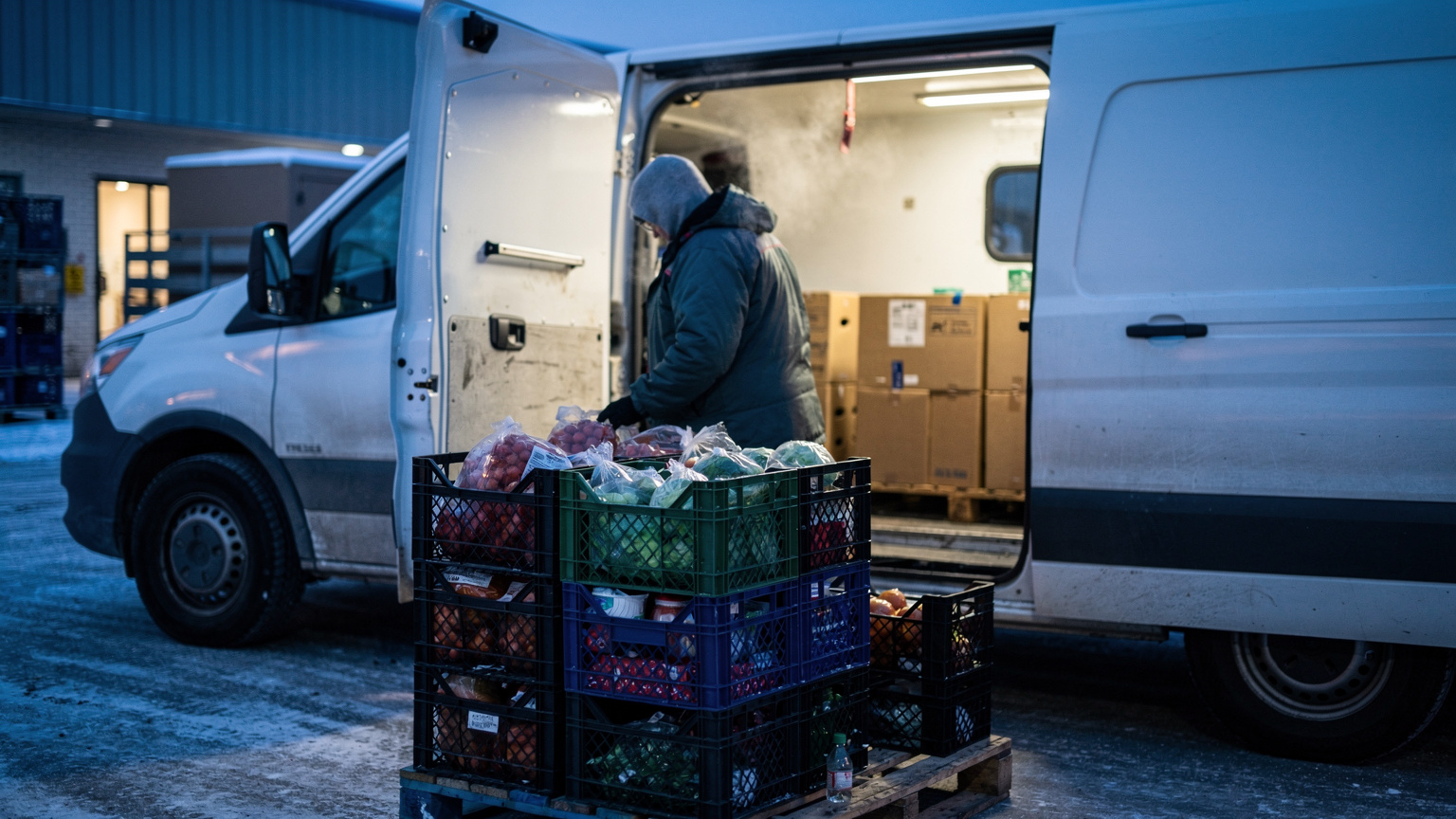
Planning routes around Canadian winters and Toronto and Montréal congestion
Canadian routes slow down for two very different reasons, sometimes in the same week.
The first is traffic. Transport Canada's 2025 annual report on transportation in Canada notes that "chronic urban congestion, particularly in the Toronto and Montréal regions, restrict first and last mile connectivity."
For a grocer, the last mile is the whole delivery. So plan for congestion using what the order already holds.
Offer windows outside the busiest travel periods where customers are happy to take them. Keep each driver's stops in a tight cluster. Record access notes for condo towers and loading docks so time at the door stays short.
The second is winter. Transport Canada's guidance on driving safely in winter tells drivers to slow down and "Allow extra travel time" in bad weather. A good route plan builds that same allowance in.
That means two adjustments. Travel time between stops needs a winter setting, and so does service time at each door, because snowy walkways, extra layers and careful footing all take longer.
Worked example, on assumed numbers: a Montréal van has 20 stops on a snow day. Allowing 3 extra minutes at each door adds 60 minutes to the route before any extra driving time is counted.
Building that hour into the morning plan keeps afternoon windows realistic, and customers get accurate ETAs from the start.
Winter also varies by region, and one area can face a record storm in a season when another sees little snow. So give each depot its own winter settings, then compare planned and actual stop times after each snow day to tune them.
On storm days, re-optimize the remaining stops mid-shift and let automated notifications update each customer's ETA. Drivers can focus on the road, and dispatch keeps one clear view of the day.
Reaching rural customers across long distances
Canada's rural population reached 6.6 million in the 2021 Census, according to Statistics Canada. That is a sizeable market for grocers willing to plan delivery around distance.
Scheduled runs make it work. Give each rural area a set delivery day, open windows for that day only, and let orders build so every long highway leg serves a well-filled van.
Long legs bring the cold chain into focus. Load chilled and frozen items in insulated or refrigerated space, and keep planned route durations inside what that setup is built to hold.
Summer heat deserves the same attention as winter cold, so review rural route lengths as the seasons change.
Pick-up points help too. A depot or a community location on the main road gives remote customers a convenient option on the days a van does not reach their area.
A rural day and a city day with the same number of stops can finish at very different times. Planning from real distances, not stop counts, keeps rural ETAs accurate.
Photo proof of delivery for every perishable handover
The handover is the moment a perishable order becomes the customer's. A clear record of it helps everyone involved.
With photo proof of delivery, the driver photographs the order at the door and the stop closes with a signature, a timestamp and location data. That record stays with the order, ready for dispatch or customer service to look up.
For grocery, the photo does extra work. It shows the insulated bags in the spot the customer chose, and it records when a chilled order changed hands.
It also supports order accuracy. A photo of the full order, paired with a pick-and-pack check before the van leaves, gives the team a simple way to confirm every item made the trip.
A few house habits keep records consistent. Photograph the bags with the door or house number in frame. Capture a signature for larger or high-value orders. Note any safe-place instructions the customer gave at checkout.
What to check before choosing a grocery delivery platform
Judge grocery delivery software on your own orders. A sample route on an empty map says little about your busiest Saturday.
Work through the checklist below with a real week of orders, including one busy day and, if the season allows, one snowy one.
| What to check | Why it matters for grocery | How to test it |
|---|---|---|
| Order import from your online store | Dates, windows and access notes arrive without retyping | Place test orders and watch them appear in planning |
| Delivery windows and slot capacity | Customers choose times the fleet can meet | Load a busy day's windows and review the plan |
| Route optimization with time windows | Chilled orders spend less time on the road | Compare planned kilometres and finish times with a current day |
| Same-day changes | Late orders join existing runs | Add an order mid-morning and check the other ETAs |
| Live tracking and ETA messages | Customers are home for chilled and frozen orders | View the customer link on a phone, in English and French |
| Photo proof of delivery | A clear record of every handover | Complete a test stop with photo, signature and timestamp |
| Temperature class on each order | Loading reflects chilled, frozen and ambient items | Ask how a tag set at checkout reaches the driver's app |
Look past the feature list to fit. Ask how order details flow from checkout to the driver's app, and whether customer messages can be written in both English and French for the customers who expect it.
Weigh the cost against the margin a platform protects. Compare plans on the Locate2u pricing page and set them beside what planning time, kilometres and repeat delivery attempts cost today.
Bring dispatchers and drivers into the test week too. The people who use the app every day will know quickly whether the routes feel realistic.
For a broader view of how planning, tracking and proof connect, the guide to delivery management software covers each part in more depth.
Frequently asked questions
How many Canadians buy groceries online?
PwC Canada's Voice of the Consumer survey found 9% of Canadian consumers shop online from supermarkets or large grocers at least weekly, against 15% globally, which suggests online grocery in Canada has room to grow and delivery capacity is worth planning ahead. During the pandemic, Statistics Canada reported that 13% of Canadians ordered groceries online for the first time between November 2020 and March 2021.
Besides freshness, what should a grocer get right on every delivery?
Delivery cost and order accuracy. Track kilometres per order to keep route cost down, and run a pick-and-pack check against each order before the van leaves.
Can chilled, frozen and ambient orders share one delivery route?
They can when the plan accounts for them: tag each order with its temperature class at checkout, load frozen and chilled items in insulated or refrigerated space, and keep each planned route shorter than the time your cold-chain setup is built to hold. For food-safety requirements on transporting perishables, check with the Canadian Food Inspection Agency and your provincial public health authority.
What order details should a grocer capture at checkout to plan deliveries well?
Capture the delivery date and chosen time window, a full address with building or access notes, the temperature class of the order, and a contact number for live ETA updates. Offering bilingual English and French notification text where your customers expect it keeps updates clear for every recipient.
Good grocery delivery starts with the details captured at checkout and finishes with a clear record at the door. Plan windows the fleet can meet, adjust for congestion, winter and distance, and keep customers informed with live ETAs.
To see how those steps fit your own operation, explore Locate2u route optimization with a real week of your orders in mind, from the busiest city window to the longest rural run.