Medical Equipment Dispatch Software: How to Schedule, Track and Prove Every Delivery and Pickup
Drafted with AI assistance, edited and fact-checked by Sean Flannery. See our editorial policy.
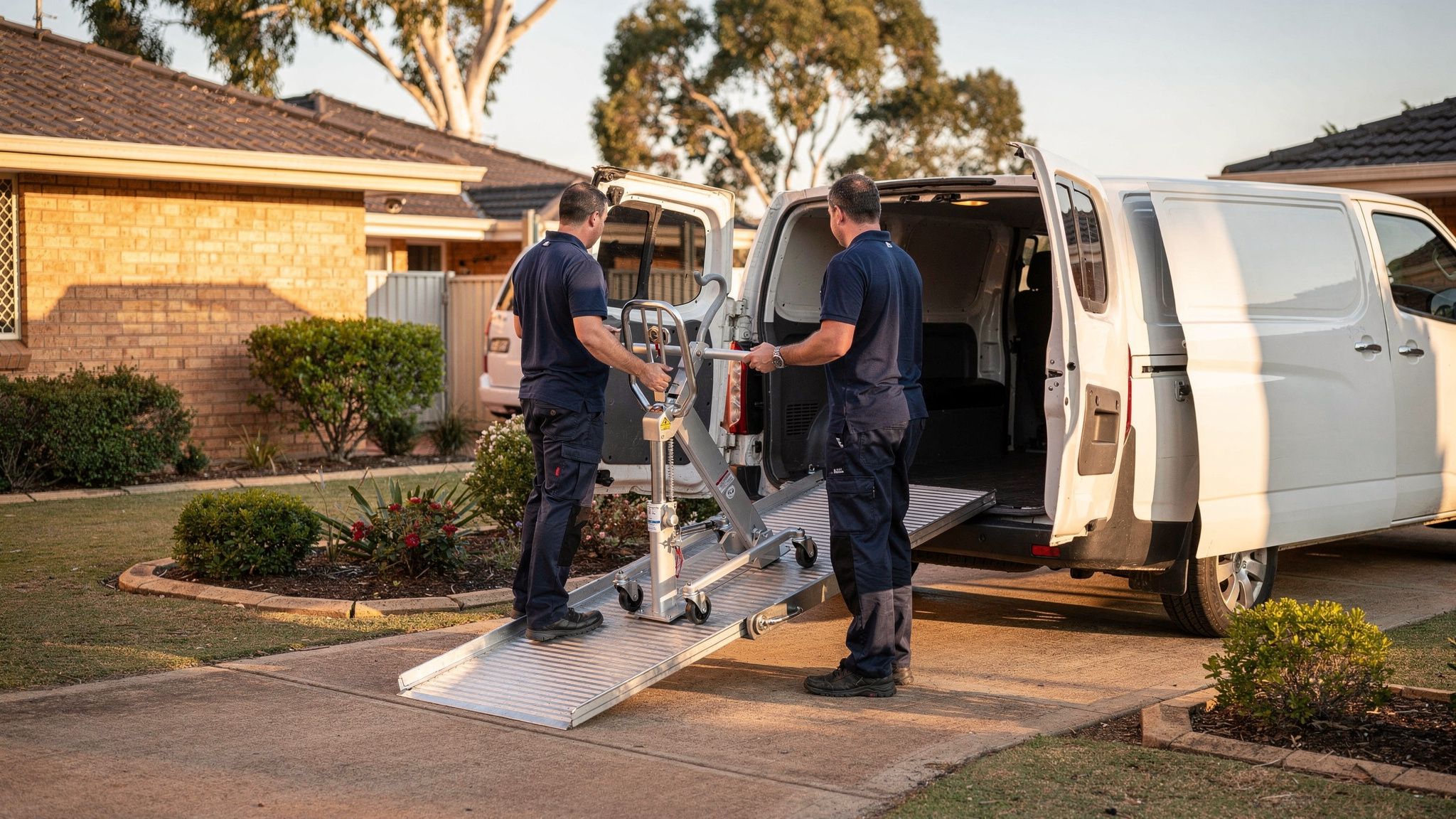
Medical equipment dispatch software schedules deliveries, installations, service visits and rental pickups for items such as hoists, beds and wheelchairs, then tracks each vehicle and records photo, signature and timestamp proof of every handover. With the Australian Bureau of Statistics counting 3.0 million people with disability using aids or equipment in 2022, that adds up to a steady cycle of drops, setups and returns to plan.
That is 54.2% of the 5.5 million Australians with disability, and because rented equipment goes back to the supplier when the agreement ends, many of those items need a return trip as well as a delivery.
So dispatch for medical equipment is a cycle, not a one-way trip. Two Australian safety frameworks also shape the plan itself. Safe Work Australia's guidance on hazardous manual tasks covers the lifting and carrying these jobs involve. Where trucks are used, the National Heavy Vehicle Regulator counts whoever schedules a driver's work as a party in the Chain of Responsibility.
Healthcare delivery already shows what flexible dispatch makes possible. Online pharmacy SuperPharmacy cut its route planning from up to an hour a day to 10 minutes with Locate2u and now offers same-day prescription delivery. Its story is below, alongside practical steps for building the same flexibility into medical equipment rounds.
Medical equipment dispatch software plans the full equipment cycle, from delivery to return
A wheelchair or a pressure-care bed doesn't finish its job at the front door.
It gets booked, delivered and set up. Sometimes it's serviced. Eventually it's collected, checked and returned to stock for the next person who needs it.
Medical equipment dispatch software plans all of those stages as jobs that belong together, rather than as separate one-off drops.
Rental makes this especially clear. The NDIS lets participants rent assistive technology, for example while they wait for a repair or a replacement, and rented equipment goes back to the supplier when the rental agreement ends.
For a provider, every rental delivery therefore carries a future pickup. Knowing about it from day one makes the whole cycle far easier to plan.
This is the work dispatch planning software does well: putting deliveries, visits and pickups on one board so a coordinator can balance them across drivers and days.
It also makes the equipment easier to find. If every movement is a job with a time, a driver and a proof record, locating a particular hoist becomes a quick search.
Linking delivery, setup, service and rental pickup jobs keeps every item accounted for
Linking jobs is the step that turns a list of drops into a genuine equipment record.
When a delivery is booked, the related work can be attached straight away: the setup, any planned service visit and, for rentals, the pickup at the end of the agreement.
Here's how that plays out. A provider delivers a hoist and a shower chair to a client on a Monday. The setup job sits on the same visit, so the driver arrives with the time and the checklist already planned.
A service visit is scheduled for later in the rental. The pickup job waits in the plan against the rental end date, so nobody has to remember it.
When pickup day comes, the driver can open the original delivery and see the setup photos, the access notes and exactly which accessories went out. That is the value of one record per item.
Useful details to attach to each linked job:
- the item and its identifier, such as a serial or asset number
- the client's address, contact person and preferred times
- access notes covering parking, stairs, lifts and gate codes
- earlier proof of delivery photos and signatures
- the planned service date or rental end date
Linked jobs help the planner too. Upcoming pickups can be grouped with deliveries in the same area, so a van heading out for a drop can bring a returned bed back on the same run.
For a wider look at how delivery platforms organise jobs, statuses and records, the guide to delivery management software covers the fundamentals.
Handling notes and setup time on each job help drivers deliver heavy equipment safely
Heavy, awkward items need more than an address on the job card.
According to Safe Work Australia's Key WHS statistics Australia 2025, 84% of serious workers' compensation claims involved body stressing, falls, slips and trips, being hit by moving objects, or mental stress.
Moving and installing beds, hoists and power chairs is physical work, so the dispatch plan is a natural place to support safe handling before the van even leaves.
Safe Work Australia also publishes a model Code of Practice on hazardous manual tasks such as lifting, pushing, pulling and carrying. Check with your state WHS regulator whether it has legal effect where you operate.
On the job card, the most helpful handling notes are simple.
Size and weight, so the right vehicle and trolley go out.
Whether the job needs two people, so the planner can assign a crew rather than a single driver.
Access details: stairs, lifts, narrow hallways and where to park.
Care instructions for the item, such as keeping it upright or arriving with the battery charged.
Setup time matters just as much. A bed that has to be assembled, positioned and demonstrated takes longer than dropping a walking frame at the door.
When each job type carries its own service time, route optimisation builds that time into the day. Drivers arrive with room to do the job properly, and the next client's window still holds.
Realistic schedules support Chain of Responsibility duties where heavy vehicles are used
Some providers use trucks for bulk moves between warehouses, hospitals and aged care sites. Where heavy vehicles are part of the fleet, the National Heavy Vehicle Regulator's Chain of Responsibility under the Heavy Vehicle National Law becomes part of dispatch planning. For van-only fleets, the FAQ below covers the position.
The NHVR lists the functions that make a business a party in the Chain of Responsibility. Its list includes those who "schedule the transport of goods and passengers in a heavy vehicle, or schedule a driver’s work and rest hours (scheduler)".
The NHVR's primary duty page also explains that parties must not take actions that could influence drivers and others to speed or breach the HVNL.
This is where realistic scheduling helps everyone. A plan built on genuine drive times, loading time and setup time gives drivers a day they can complete comfortably and safely. Software makes that plan easier to keep, with time windows the day can meet, service times set per job and a clear record of each driver's planned day.
The same thinking applies to every vehicle, heavy or light. Safe Work Australia reports that vehicle incidents were the leading cause of fatal work injuries, at 42%, so sensible time windows and honest drive times belong in every medical equipment schedule.
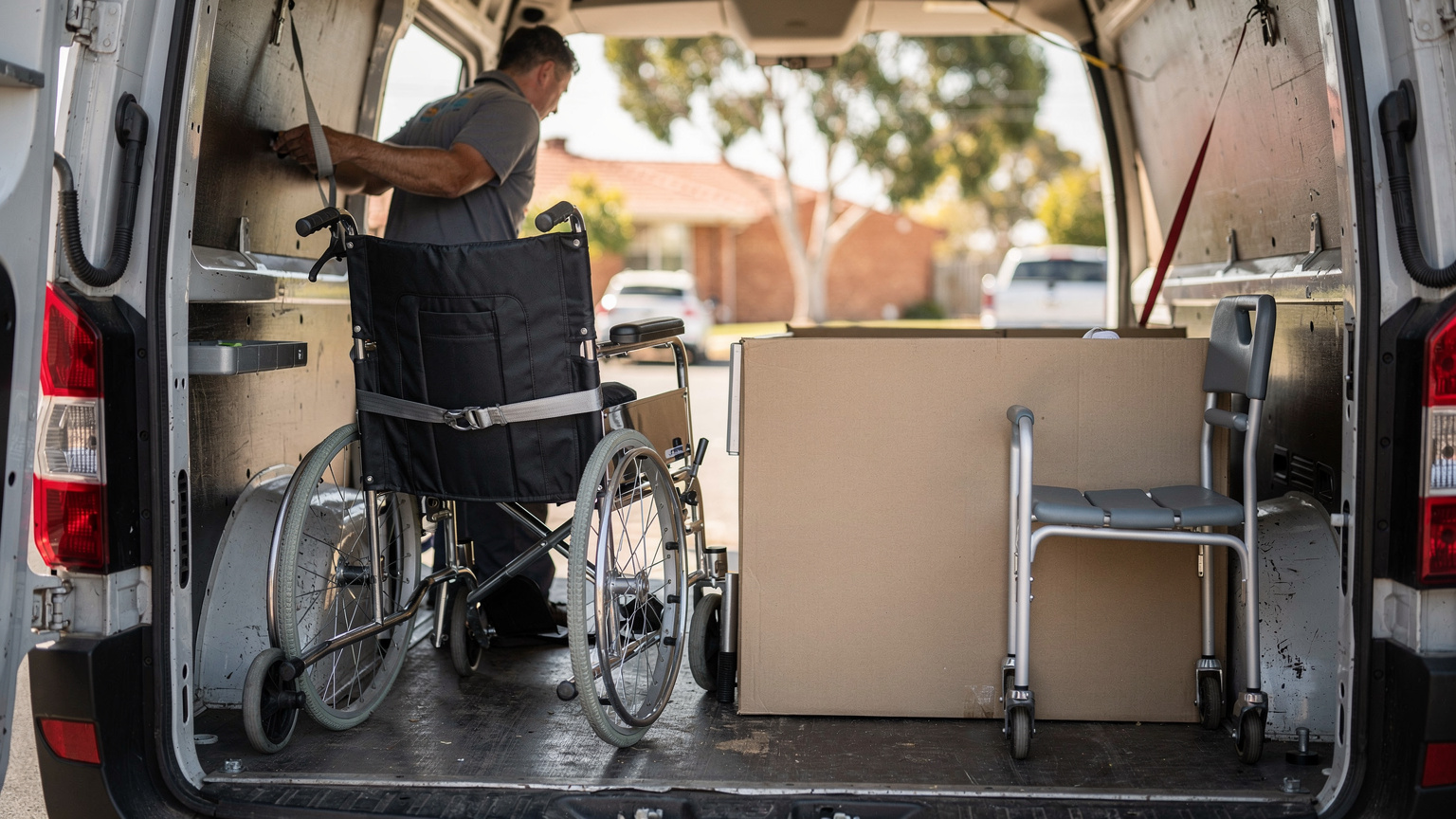
Flexible same-day routing makes room for urgent equipment requests
Urgent requests are a normal part of medical equipment work.
A client is heading home from hospital and needs a bed set up that afternoon. A carer calls because a wheelchair needs a replacement while the original is repaired.
For equipment providers, treat urgent jobs as part of the week's design rather than an interruption to it.
Hold some flexible capacity. A route with a little room in the afternoon can take an urgent drop without moving anyone else's window.
Slot the job in, rather than rebuilding the day. Software that inserts a new job into the best existing route keeps every other appointment intact.
Use the live map. Real-time tracking shows which driver is closest and running to time, so the dispatcher can assign the job with confidence.
Then tell the client. A tracking link or an automated notification lets the client or carer know when the driver will arrive, which matters when someone needs to be home to receive the equipment and learn how to use it.
SuperPharmacy shows how live route changes make same-day healthcare delivery practical
SuperPharmacy has operated as an online pharmacy in Australia since 2000. It delivers prescription medications, over-the-counter products and health essentials to customers nationwide.
As demand for faster delivery grew, its delivery team was spending up to one hour every day planning routes by hand. If an urgent prescription came in, or a delivery needed rescheduling, the route had to be regenerated from scratch.
SuperPharmacy moved its daily planning to Locate2u's route optimisation software. Routes are now generated automatically from delivery locations, time windows and driver availability, and planning takes just 10 minutes, which its case study page reports as an 83% cut in route planning time.
The bigger change was flexibility. New prescriptions can be slotted into existing routes during the day without disrupting other deliveries, which let SuperPharmacy offer same-day prescription delivery as a core service.
On its case study page, SuperPharmacy puts it simply: "Before Locate2u, we had to generate new routes if we wanted to change anything. Now we can adjust the day's deliveries on the fly."
Prescriptions are lighter than a hospital bed, and this result comes from pharmacy deliveries rather than equipment rounds. But the dispatch principle carries across directly: when urgent jobs can join live routes, same-day healthcare delivery becomes something a team can offer every day.
Proof of delivery for medical equipment can record the handover, the setup and the item's condition
A signature shows that someone received a delivery. For medical equipment, a complete record covers three moments.
At handover: the recipient's signature, a photo of the item at the door or in the room, and the time and location captured automatically.
After setup: a completed setup checklist and a photo of the equipment installed and ready. If the driver showed the client or carer how to use it, that can be noted on the job.
At pickup: photos of the item's condition and a count of parts and accessories, linked back to the original delivery.
Locate2u's proof of delivery captures photos, signatures and timestamps for every job, with location data attached.
Here's a typical use. A rental bed comes back and the service team wants to know whether a mark on the rail was there when it went out. They open the setup photo linked to the pickup job and have the answer in a minute, with no phone calls needed.
Comparing delivery photos with pickup photos also makes it quick to plan cleaning, servicing or repair before an item goes back into stock.
A practical checklist for choosing medical equipment dispatch software in Australia
The best test is your own work. Run a realistic week of jobs through each option: drops, installs, service visits, pickups and at least one urgent request.
Use this checklist to guide the questions you ask when comparing medical equipment dispatch software.
| What to look for | How it helps with medical equipment |
|---|---|
| Linked delivery, setup, service and pickup jobs | An NDIS rental's pickup is booked against its rental end date on the day the item goes out |
| Service time set per job type | A hospital-discharge bed install and a walking-frame drop each get a realistic slot |
| Handling and access notes on the driver's app | Two-person lifts, apartment stairs and aged care site parking are planned before the van leaves |
| Route optimisation with time windows and driver availability | Metro days and long runs from a regional depot to outlying towns both fit real constraints |
| Live route changes during the day | A same-day install for a client leaving hospital joins an existing route |
| Tracking links and automated notifications | Clients, carers and aged care staff know when to be ready |
| Photo, signature, timestamp and location proof | Handover, setup and pickup each have a clear record, ready when a rental item comes back |
| Schedules built on realistic drive and setup times | Supports safe work for every vehicle, and Chain of Responsibility duties where heavy vehicles are used |
Check how each option handles your geography too. A metro day of short hops and a long run out of a regional depot need different plans, and both should come out of the same tool.
Finally, ask to see your trickiest job planned end to end, such as a two-person bed install for a client coming home from hospital, with the rental pickup attached. It shows quickly how the software will work for your team.
Frequently asked questions
Does Chain of Responsibility apply to medical equipment deliveries made in vans?
The NHVR's Chain of Responsibility duties relate to goods moved by heavy vehicles, so a fleet running only light vans may fall outside them. Workplace health and safety duties still apply to every vehicle, so check your fleet's position with the NHVR and your state WHS regulator.
Why should dispatch notes record whether the recipient lives alone?
The ABS found that 23.0% of people with disability living alone used aids or equipment for mobility tasks, compared with 14.2% of those living with others. A note on who will be home, how to get in and whether setup help is needed lets the driver plan the visit before arriving.
Is medical equipment dispatch software useful outside the capital cities?
Generally, yes. Route optimisation that groups long regional runs by area and time window is just as valuable there as in a metro zone.
How do casual drivers change the labour cost of a dispatch plan?
As a worked example at the Road Transport and Distribution Award full-time minimum of A$25.65 an hour for a Transport Worker Grade 1, a one-hour install that needs two people costs A$51.30 in wages against A$25.65 for one. So set crew size and service time per job type, and confirm current rates with the Fair Work Ombudsman when costing routes.
Good medical equipment dispatch keeps every item's journey on one record: linked jobs, realistic setup times, flexible routes and clear proof at each step. A sensible first move is to map your own equipment cycle, from booking to return, then see how Locate2u's dispatch planning fits it and compare the plans on the Locate2u pricing page against the size of your team.